1. Import PCB files
Load your KiCad or Gerber files and get an instant graphical preview of the board.
TraceFab is an independent desktop PCB CAM application for makers and small workshops focused on CNC PCB manufacturing.
Export your PCB design into our PCB CAM software and get an immediate preview. Click through the step by step process to customize your toolpaths and generate clean G-code for your CNC machine.
TraceFab is a focused PCB CAM tool designed for fast, predictable CNC manufacturing.
.pcb files — no Gerbers needed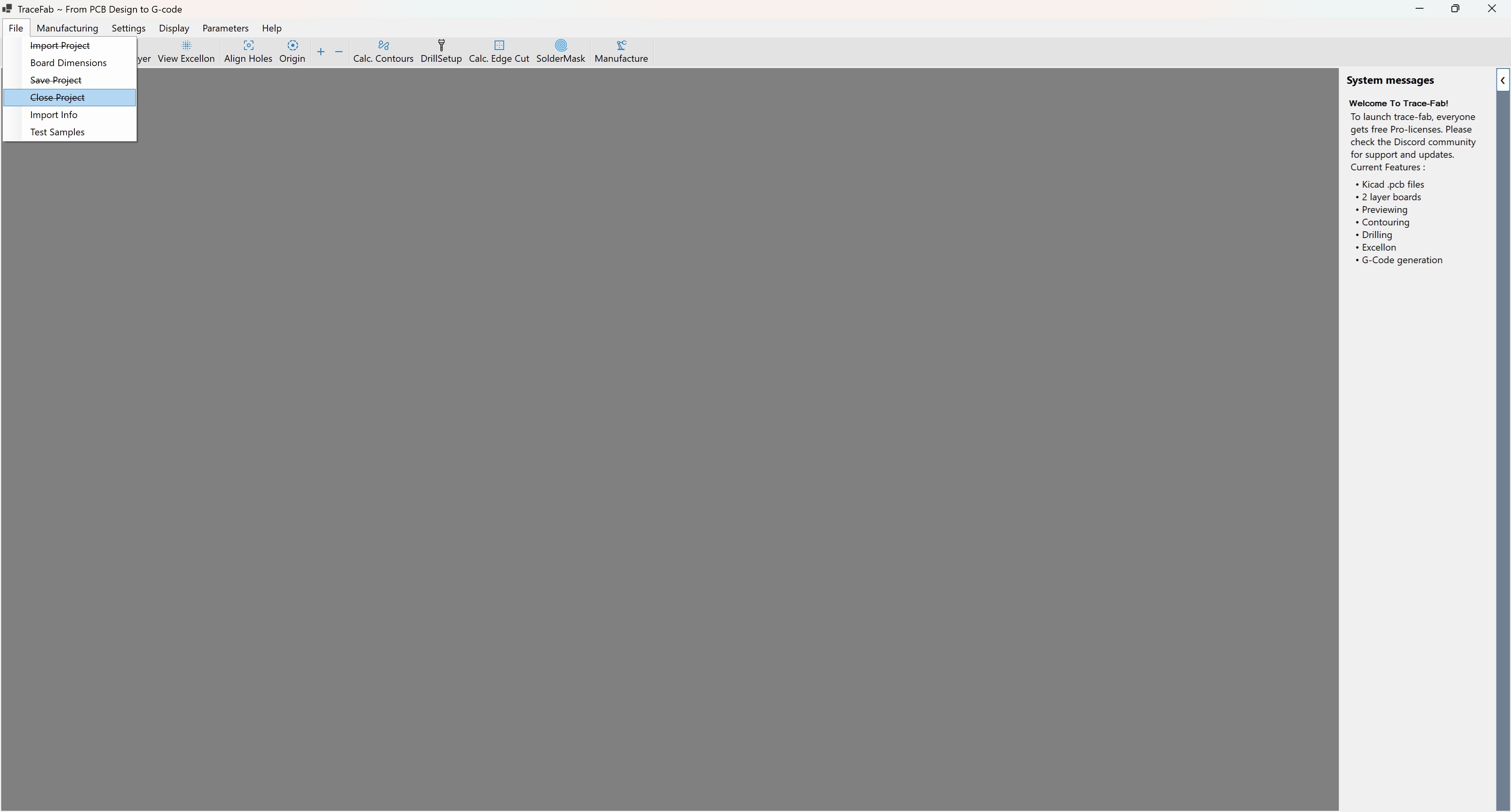
Main TraceFab workspace and PCB preview.
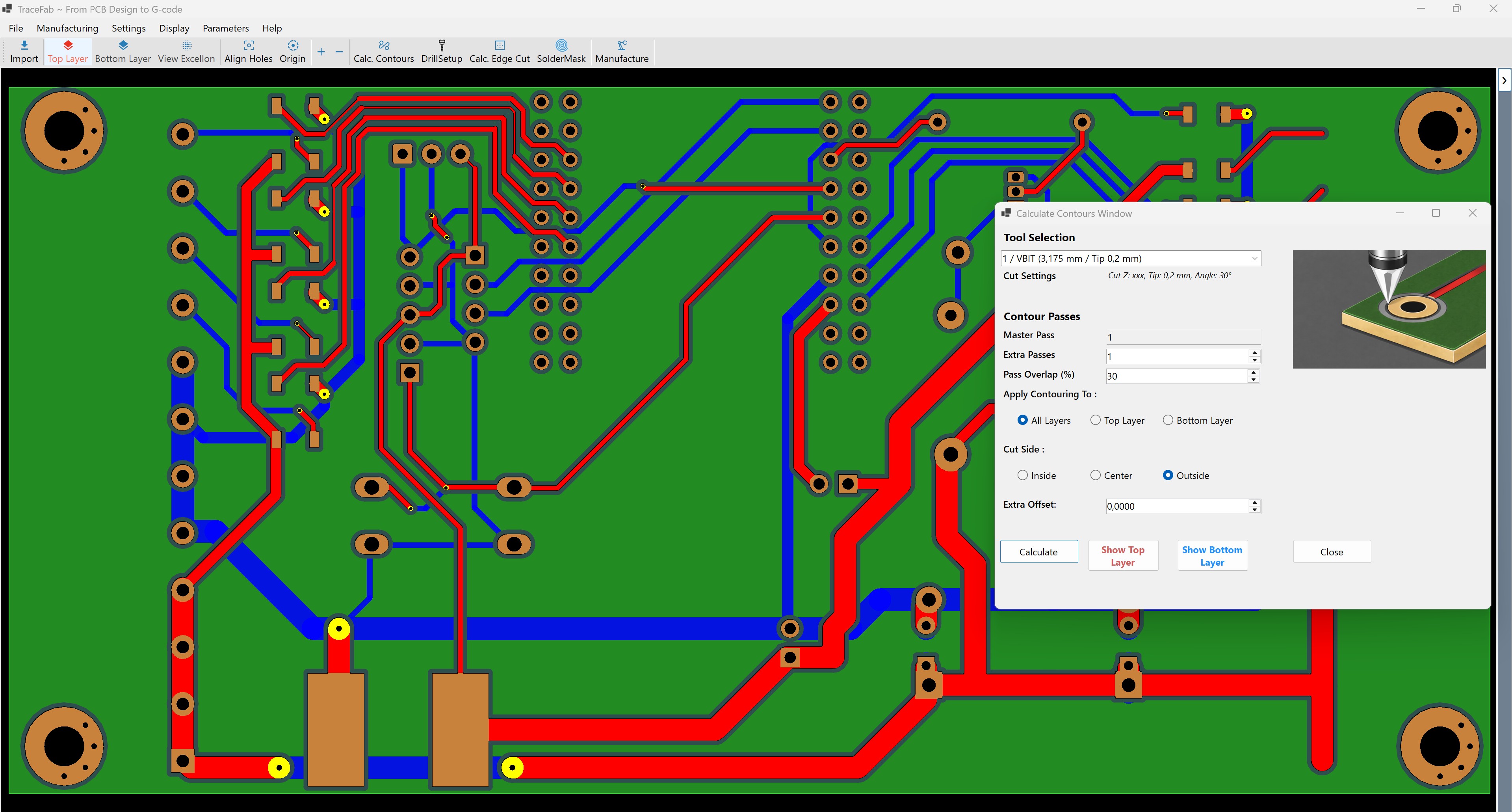
Contouring tools for precise PCB cutting.
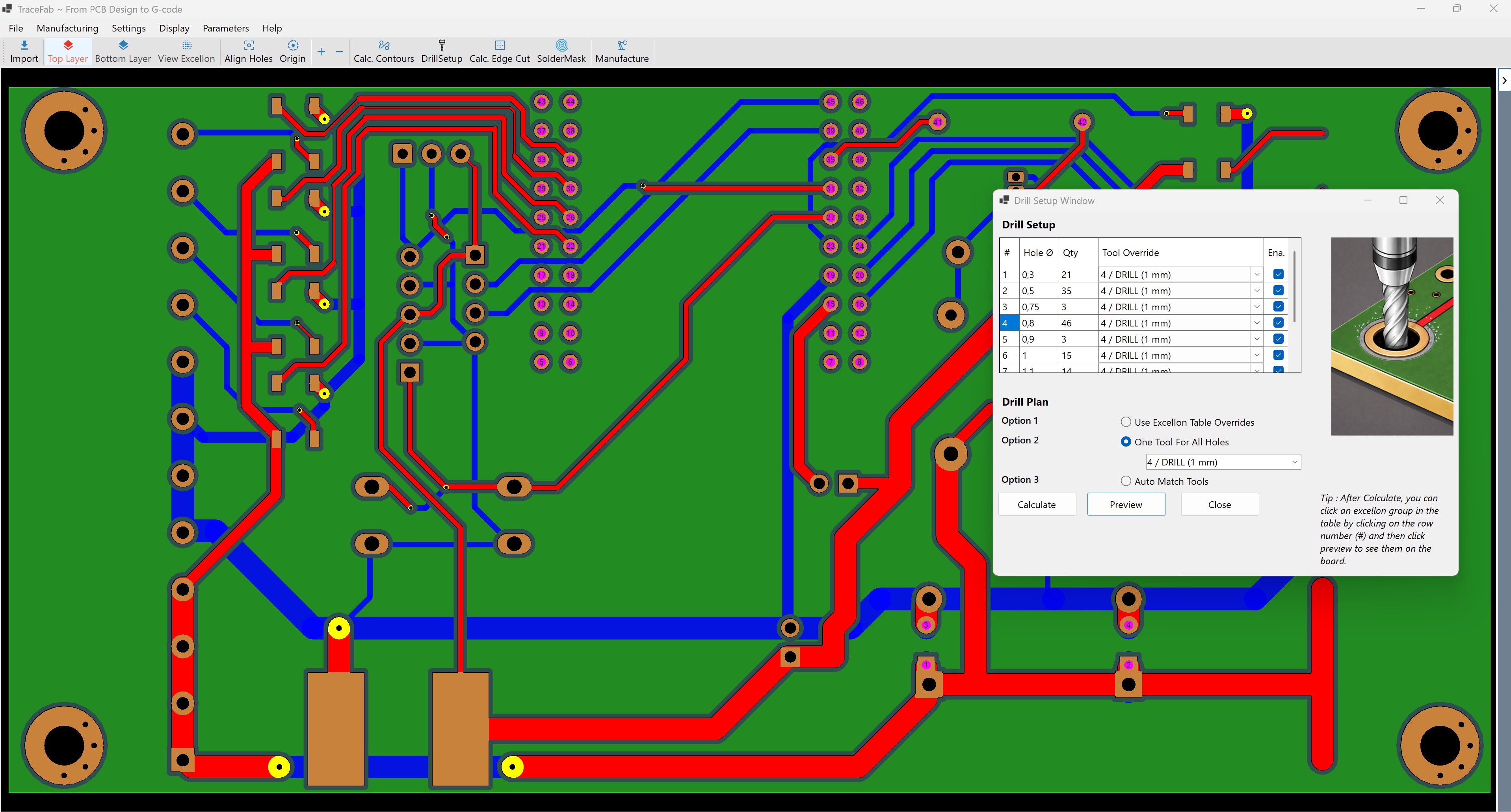
Excellon drill process generation.
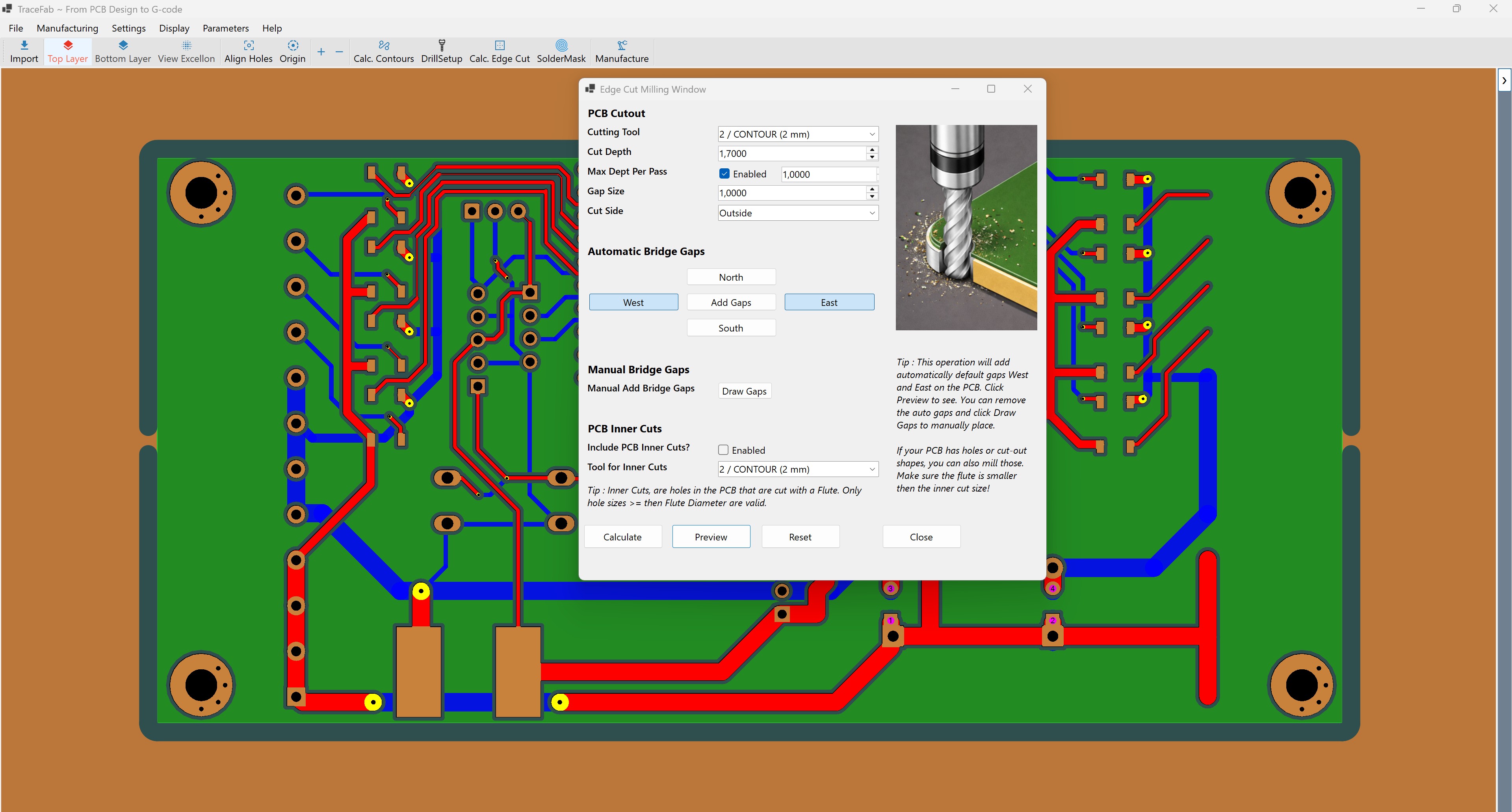
Edge cutting tools for precise PCB cut.

G-code program creation for CNC machining.
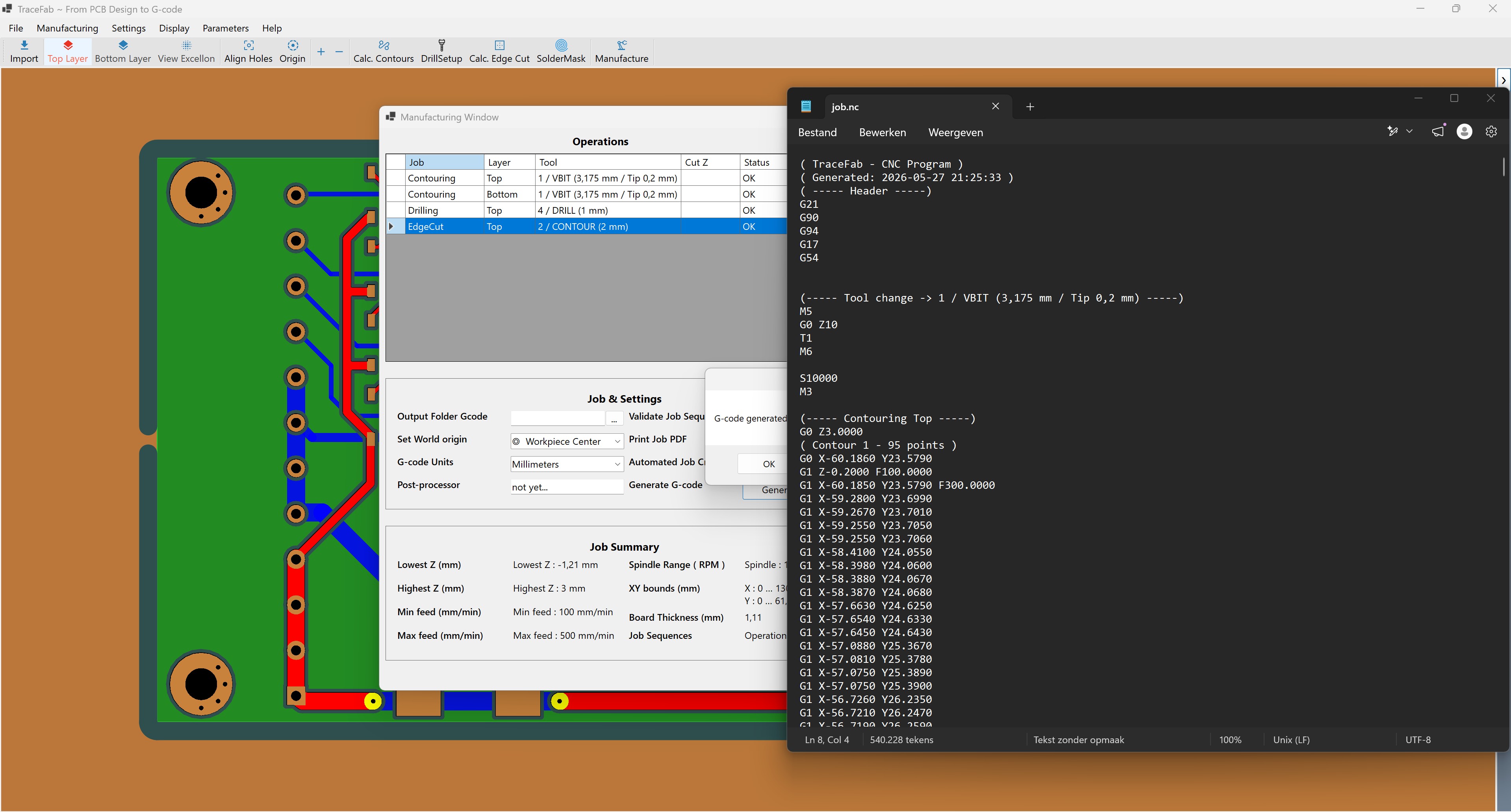
Preview your G-code before sending it to the CNC machine.
Want to know how TraceFab works under the hood? Here’s a step-by-step overview of the PCB CAM workflow, from importing your design to exporting CNC-ready G-code.
Load your KiCad or Gerber files and get an instant graphical preview of the board.
Preview Copper Layers, Excellon drills and Edge-Cuts to verify the import.
Generate isolation contours using single-pass or multi-pass strategies.
Modify Excellon data using one drill tool or a user-defined multi-tool program.
Generate board outlines and add custom tabs exactly where you prefer them.
Place alignment pins on the substrate to accurately flip the board during manufacturing.
Use predefined CNC origin points or define custom origins manually.
Configure machining parameters and export CNC-ready G-code for fabrication.
Choose the Windows installer or portable ZIP below. Both downloads contain the same TraceFab application. After installation, you can activate your free perpetual Pro license while TraceFab is in beta.
Recommended for most users.
Download Windows InstallerIncludes desktop shortcut and uninstaller
Install TraceFab, copy the machine fingerprint from the activation window, and use it to claim your Pro license. Activation is free while TraceFab is in beta, and the license you claim is yours forever.
You will need the fingerprint code shown inside TraceFab.
Start offline with the limited free mode, activate a full-feature trial, or use a perpetual Pro license.
Use TraceFab without a license or activation for basic PCB projects.
This mode remains available when no license is installed or after a trial expires.
Test every TraceFab feature without limitations for 30 days.
Activate the trial anonymously from inside TraceFab. After it expires, the limited free mode remains available.
Full access to all TraceFab features with no limitations.
TraceFab is currently in beta. Claim your free Pro License!
After download, run the tracefab.exe and activate pro license here :


                                             → Activate Free Pro License
Community support via Discord, or reach out directly for specific questions.
Get personal support, report bugs, follow development progress and access a detailed version history and open roadmap.
Join Discord CommunityDiscord link will be active at launch.